Greptile
Greptile uses Anybody for headings and DM Sans for body text; main colour light green #c5ffd6. Homepage of Greptile at 1440 px wide, 9344 px tall, cut into 17 sections. Scroll for every section with a one-line layout description; the full page and the phone view open with JavaScript on.
What font does Greptile use?
Greptile uses Anybody for headings and DM Sans for body text. The main headline measures 96 px at weight 700. The fonts are not on Google Fonts (commercial or custom). Read from the live page's styles, not guessed from a screenshot.
Greptile colour palette
Main colour light green #c5ffd6, from the accent it paints blocks with. Palette by role: #e9e9e9 (off-white, background); #3d3b4f (navy, alt background, headings, body text, buttons); #eeeeee (off-white, alt background, cards, button text); #a1b6f4 (light blue, secondary text); #28e99f (bright green, other buttons); #c5ffd6 (light green, accent); #d6d6d6 (light gray, borders). Light theme: off-white background (#e9e9e9) with navy headings and body text (#3d3b4f). Secondary text in light blue (#a1b6f4). Cards and panels in off-white (#eeeeee) with light gray borders (#d6d6d6). Alternate sections in navy (#3d3b4f) and off-white (#eeeeee). Main buttons are navy (#3d3b4f) with off-white text. Other filled buttons are bright green (#28e99f) with black text. Accent: light green (#c5ffd6), used for coloured blocks and highlights.
Greptile landing page, section by section
Top bar with logo, 1 links.

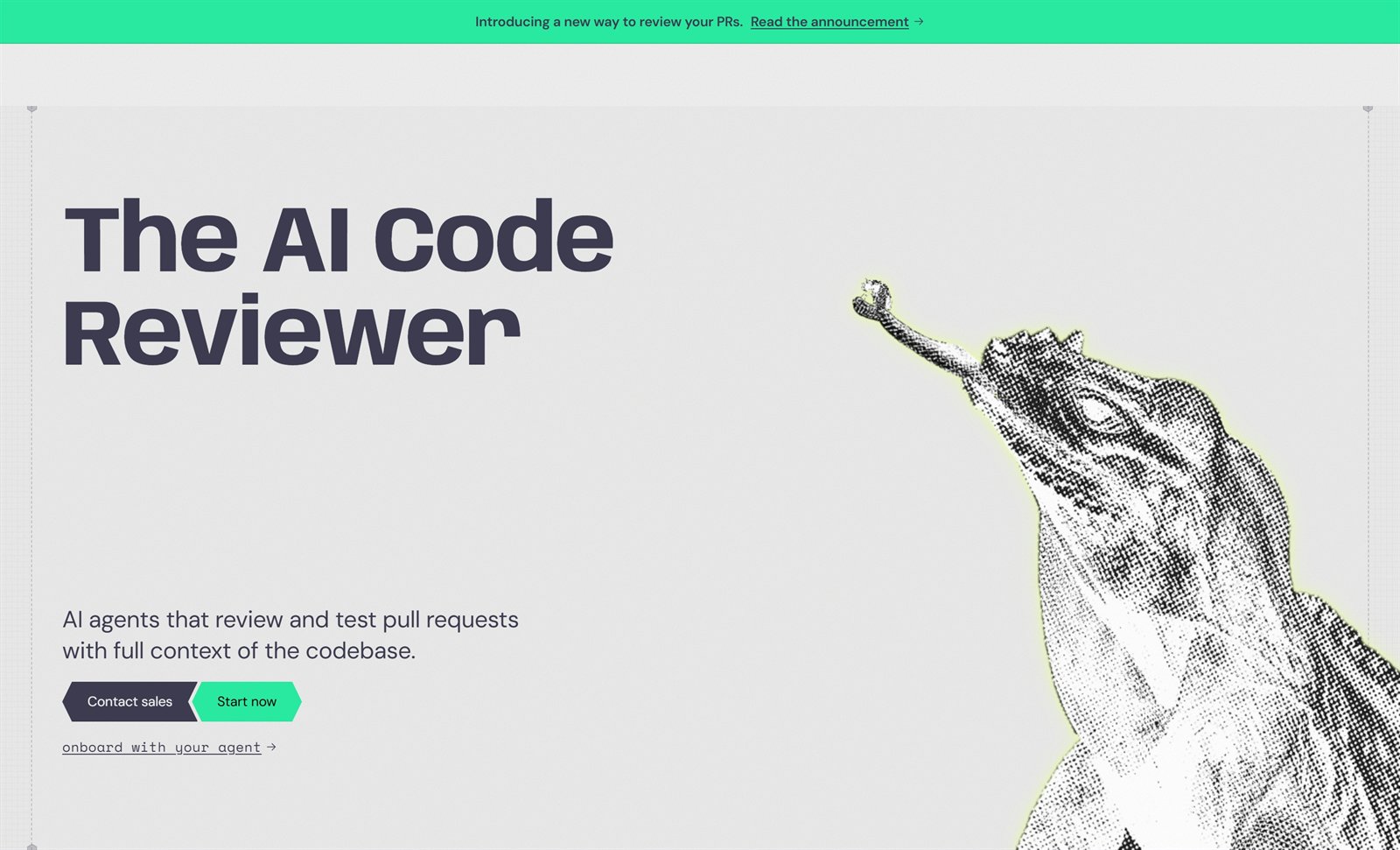
Left-aligned heading, 2 buttons (filled); 3 image tiles in 2 columns.
Grid of 16 logos, 8 per row.

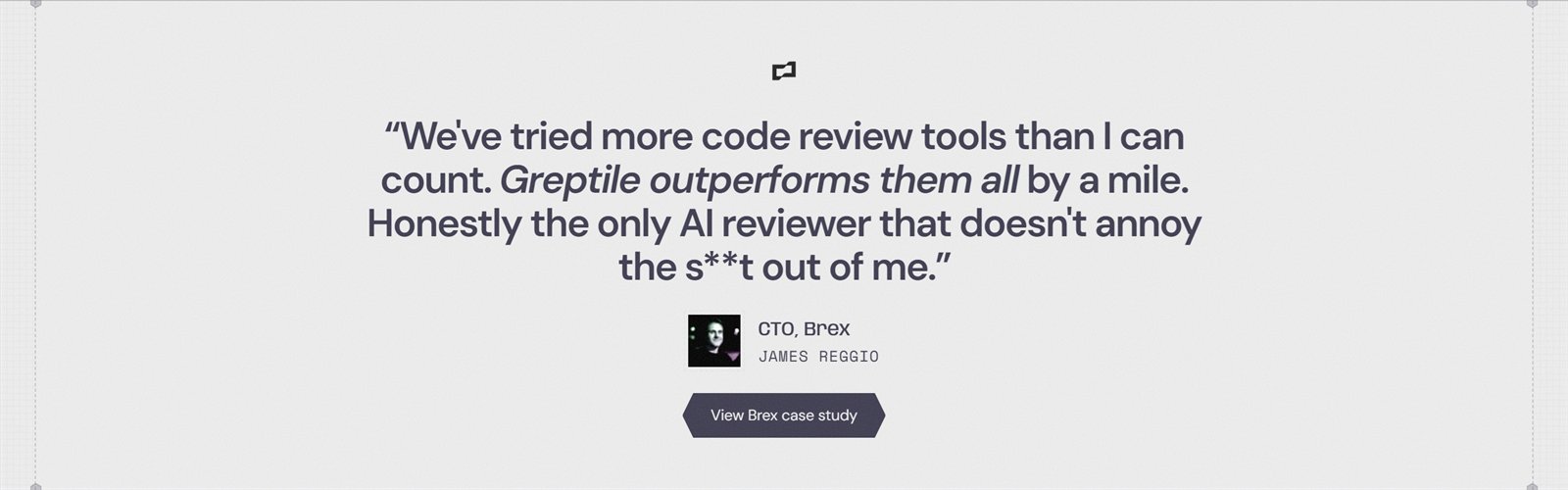
Centered heading, 1 button (filled); a customer quote.
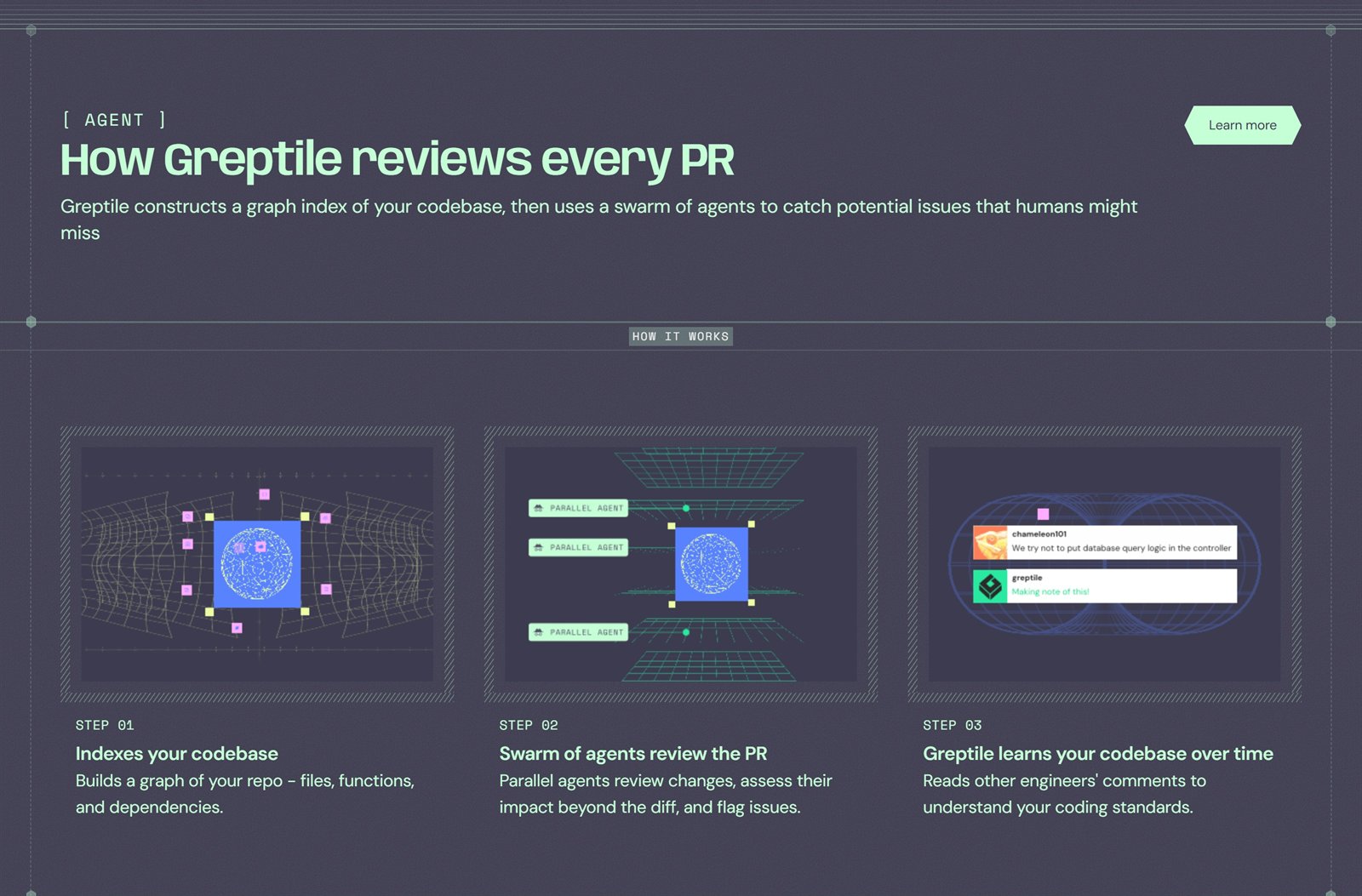
Left-aligned heading with supporting text, 1 button (filled); 3 image tiles in 3 columns; on a dark band.
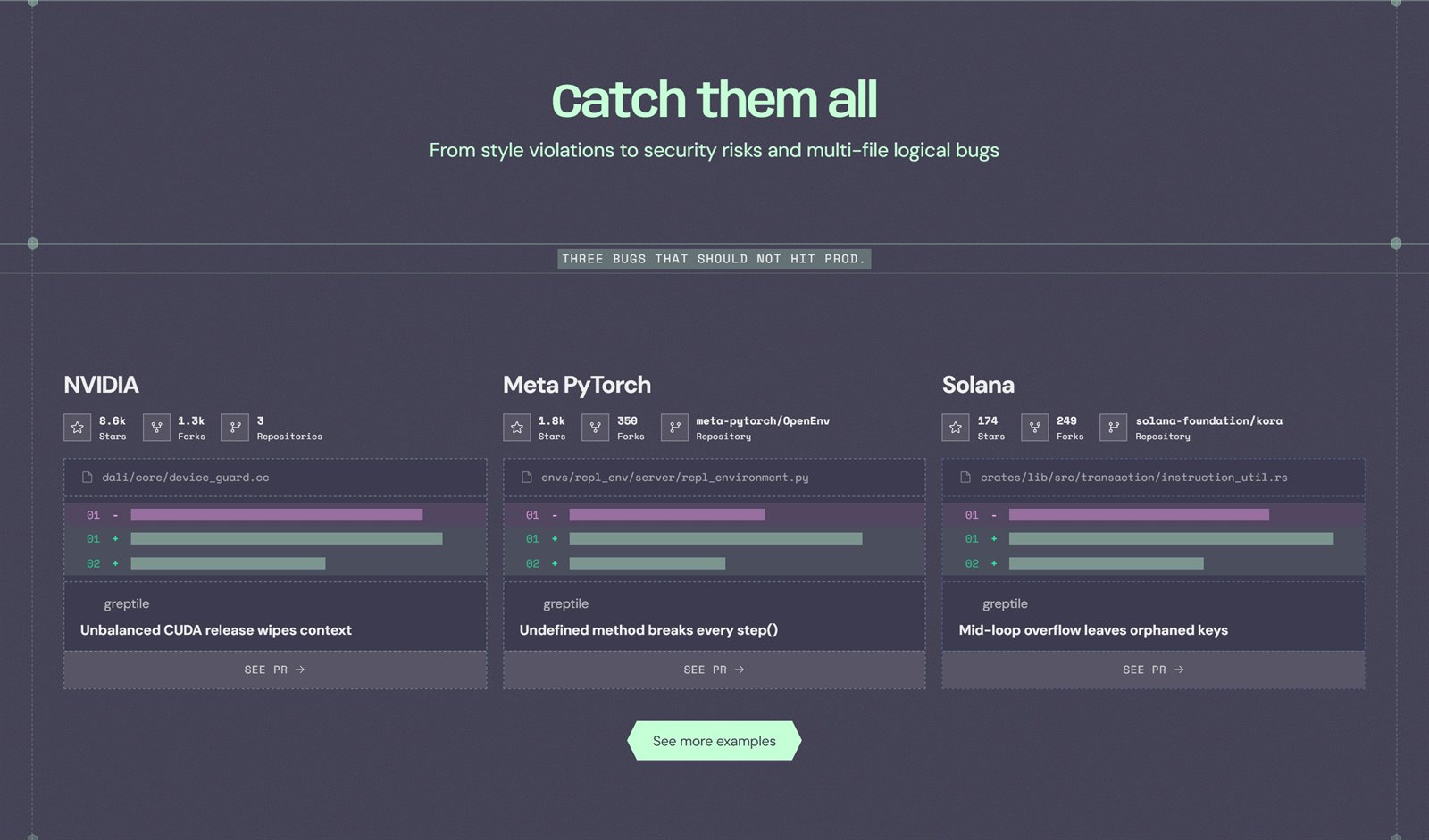
Centered heading with supporting text, 1 button (filled); 3 cards in 3 columns; on a dark band.
Centered heading with supporting text; on a dark band.
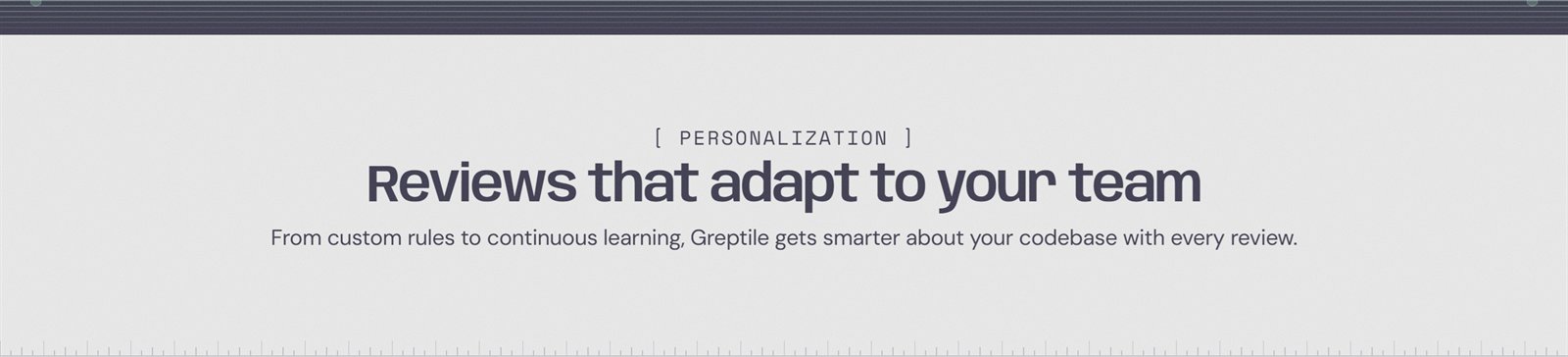
Left-aligned heading with a small label above and supporting text, 2 buttons (filled); image above the heading; 3 items stacked.
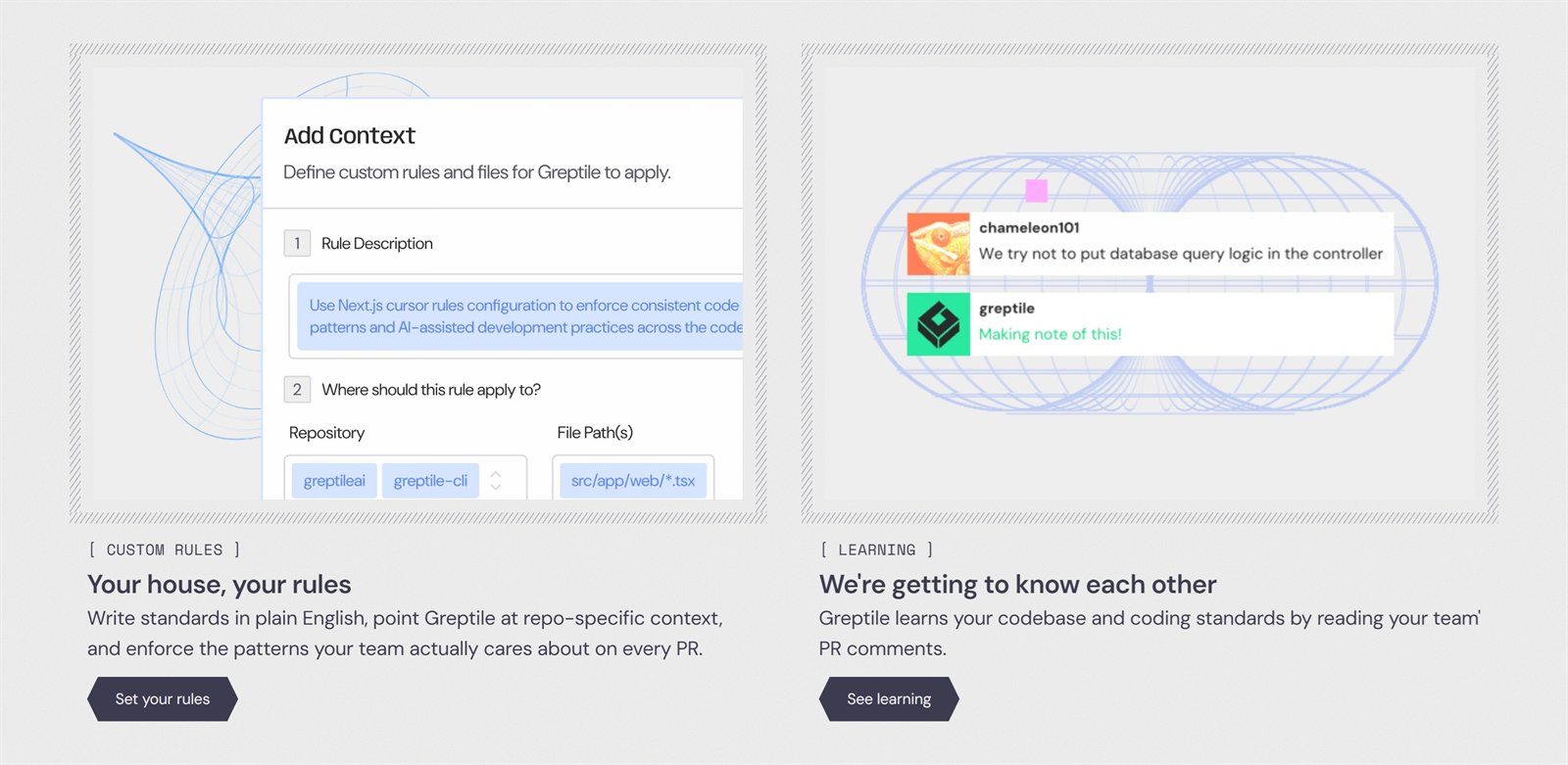
Left-aligned heading with supporting text, 1 button (filled); 4 image tiles in 4 columns.
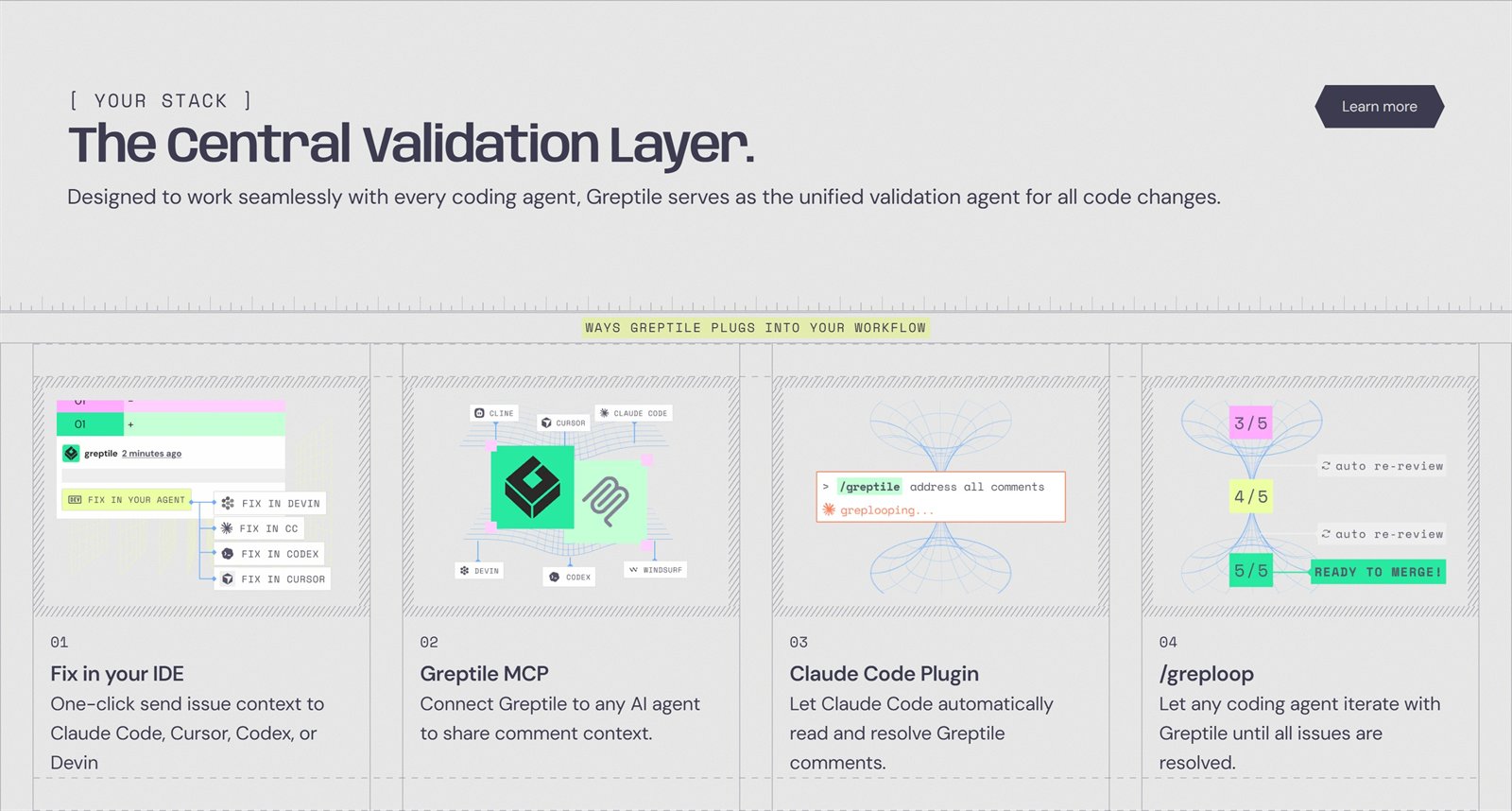
Centered heading with supporting text, 1 button (filled); full-bleed background animation.
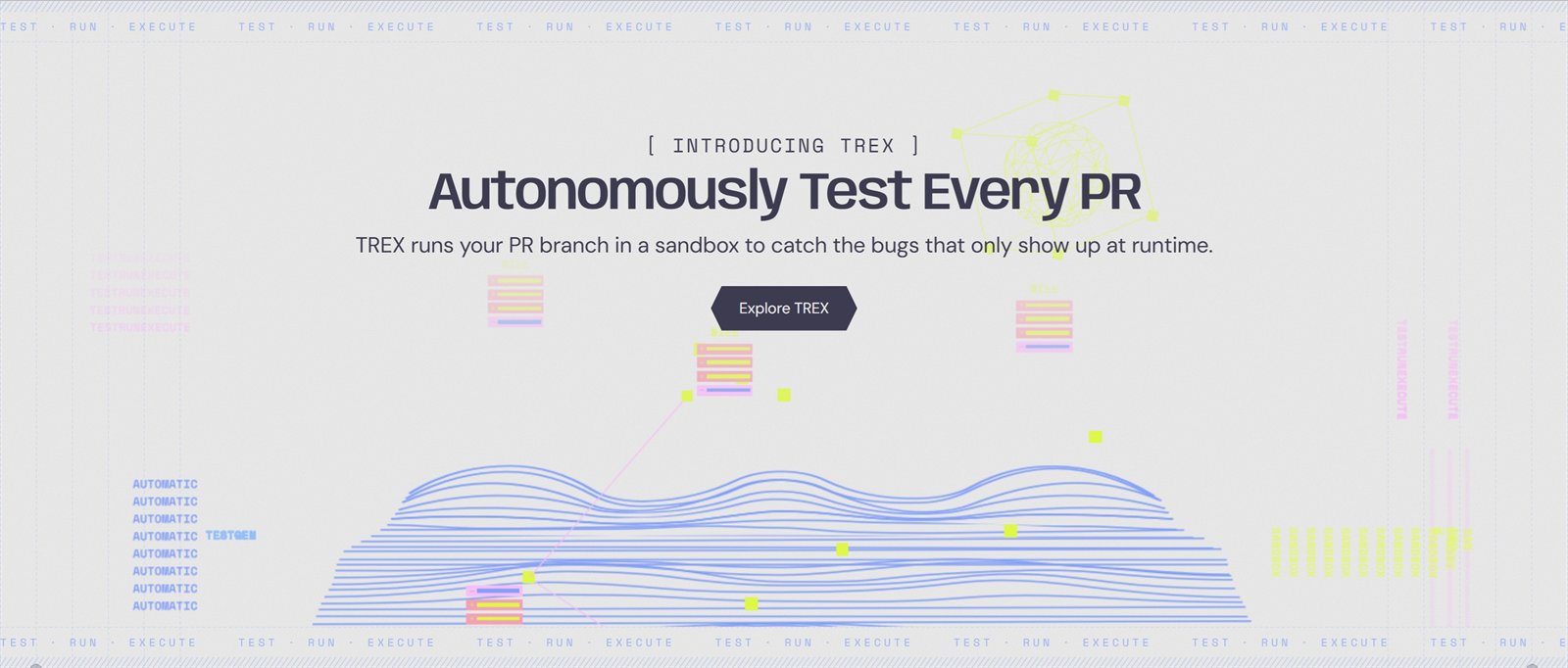

Left-aligned heading with supporting text, 1 button (filled); 3 cards in 3 columns.
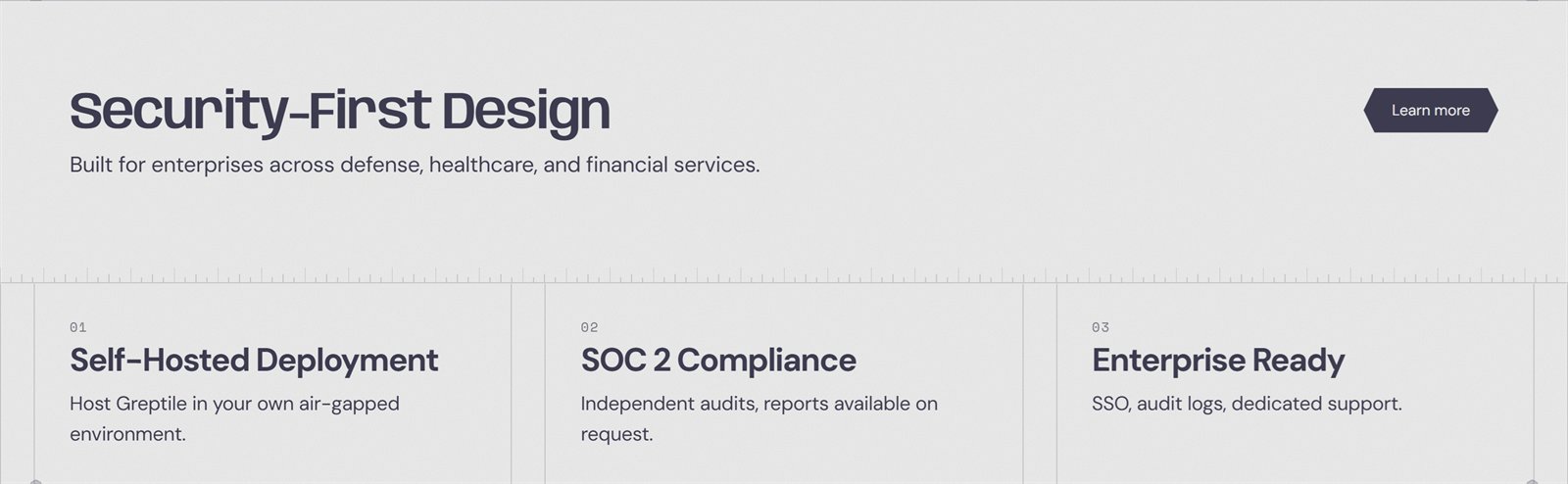

Left-aligned heading, 1 button (filled); 3 items stacked; customer quotes.
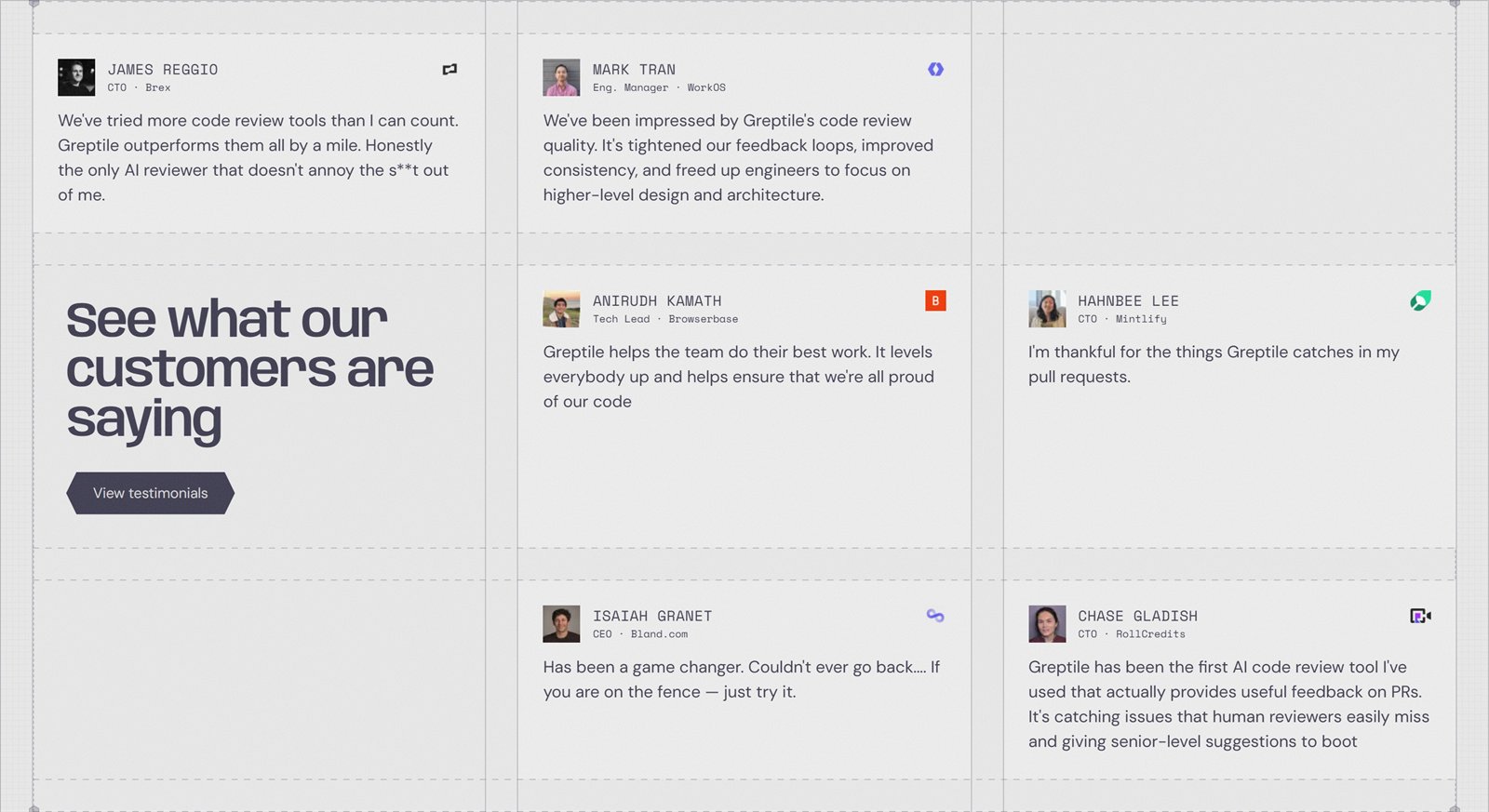
Centered heading; 6 cards stacked.
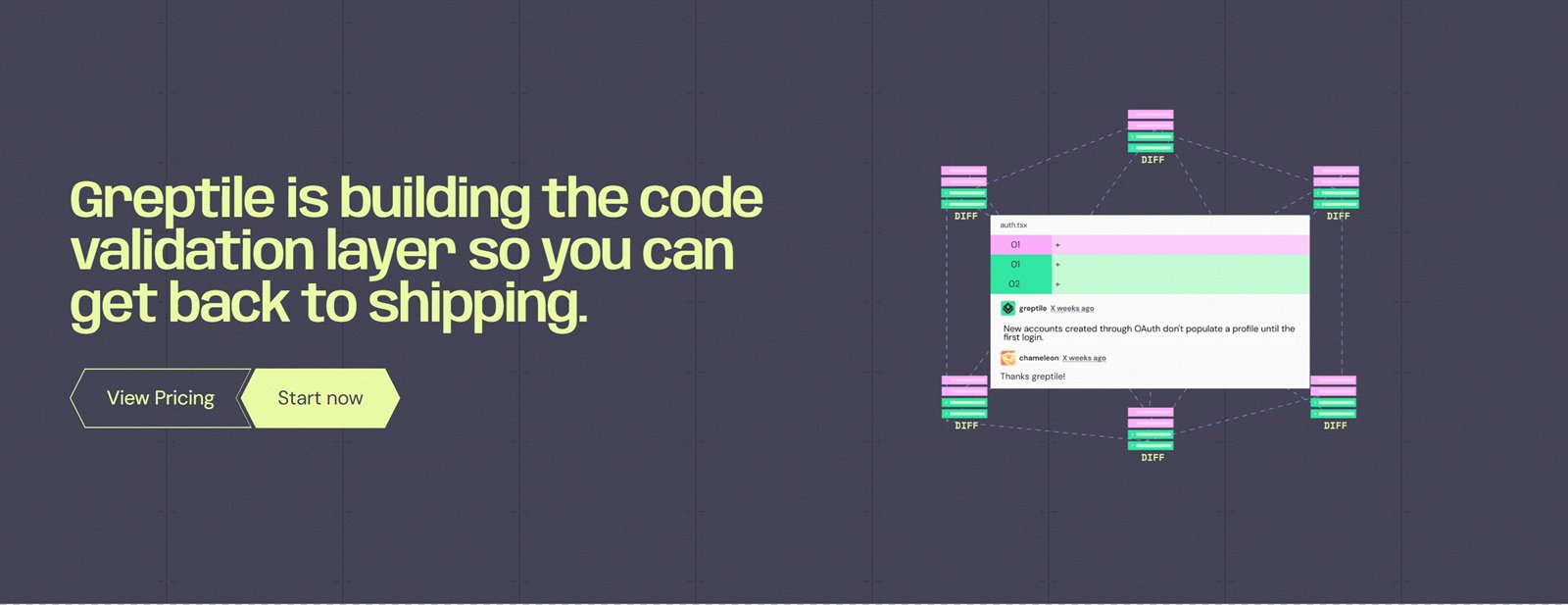
Left-aligned heading, 2 buttons (filled); image on the right; on a dark band.
Footer with 4 columns of links.
Pricing page (4 sections, live page)
Centered heading.
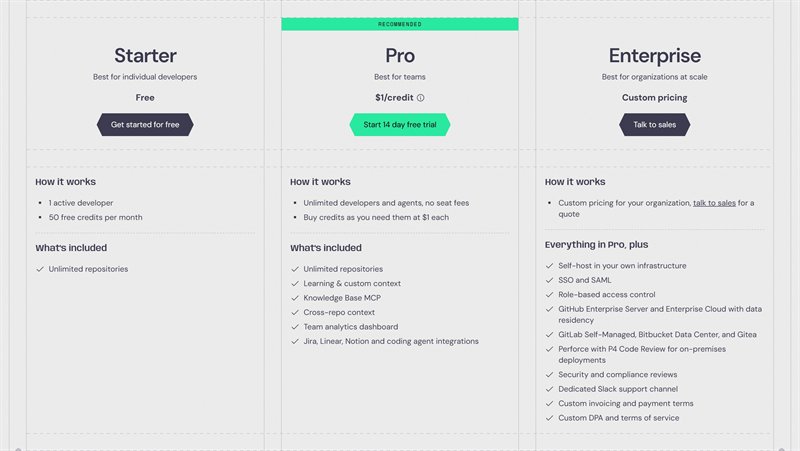
Centered heading with a small label above and supporting text, 3 buttons (filled); 10 items stacked.
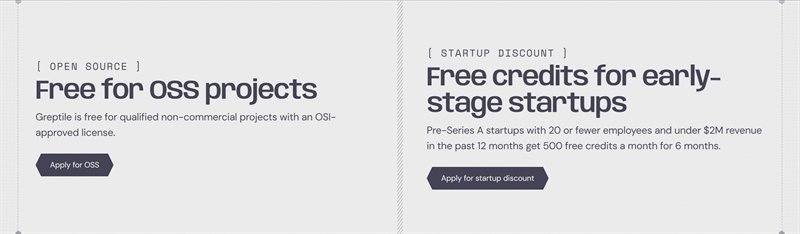
Left-aligned heading with supporting text, 2 buttons (filled); 3 items stacked.
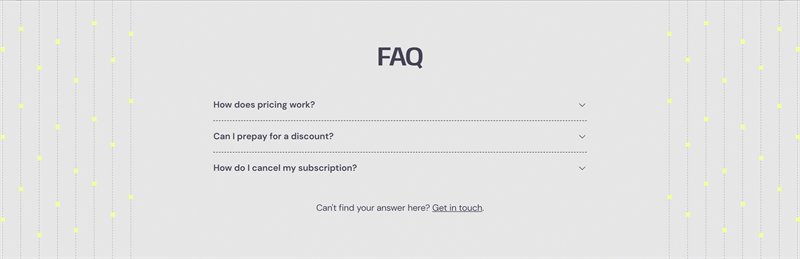
Centered heading; 3 cards stacked.
Customers page (8 sections, live page)
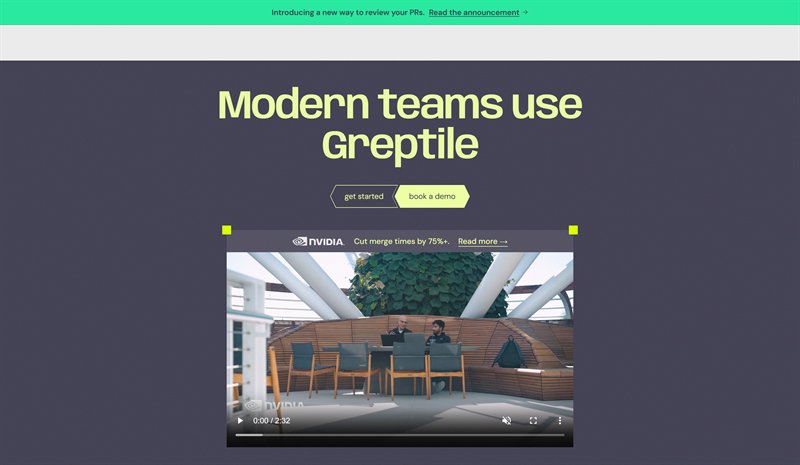
Centered heading, 2 buttons (filled); large video below; on a dark band.

Grid of 16 logos, 8 per row.
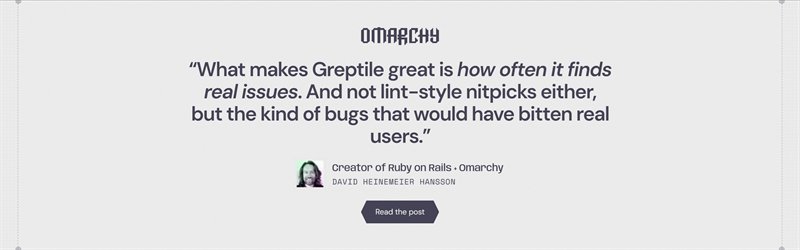
Centered heading, 1 button (filled); a customer quote.
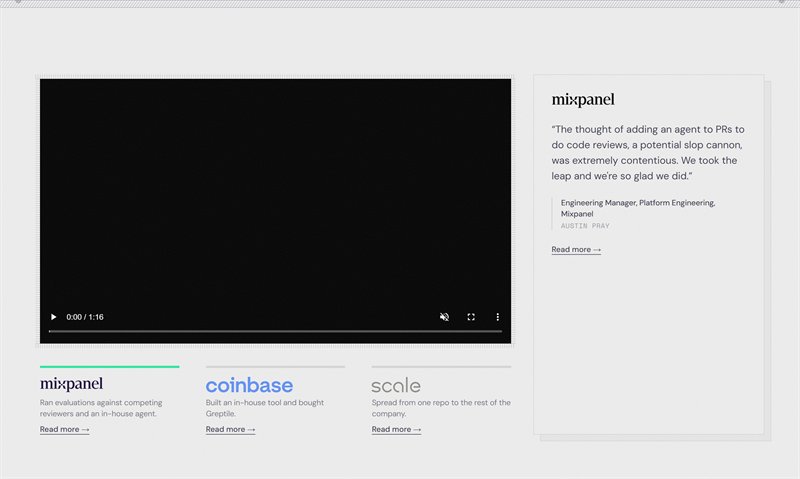
Video beside the text; 3 items in 3 columns; a customer quote.
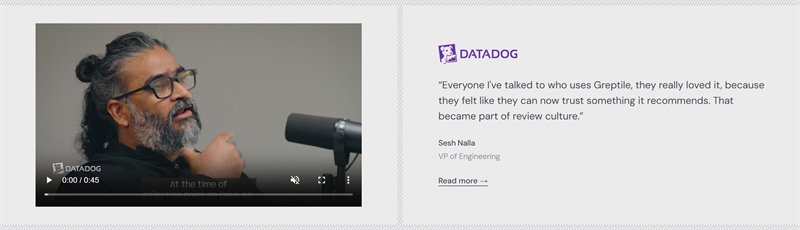
Video beside the text; a customer quote.
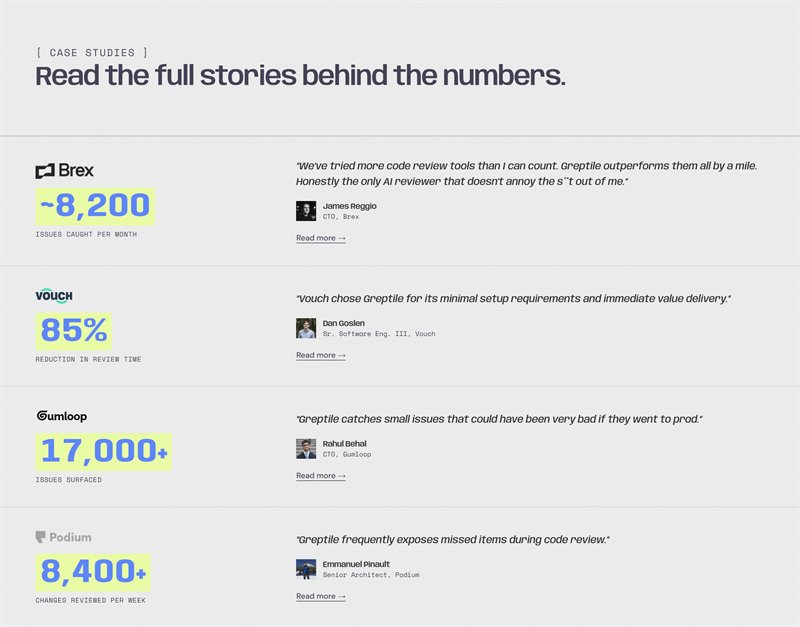
Left-aligned heading; 3 big numbers; customer quotes.
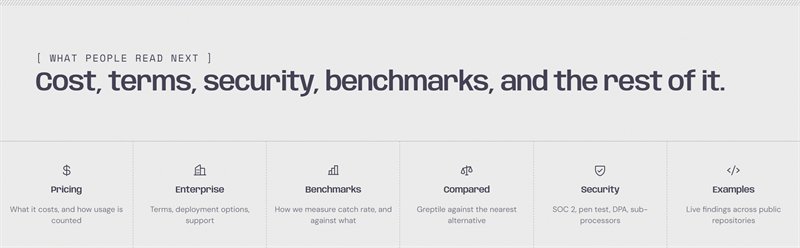
Left-aligned heading; 6 items in 6 columns.
Centered heading, 2 buttons (filled).